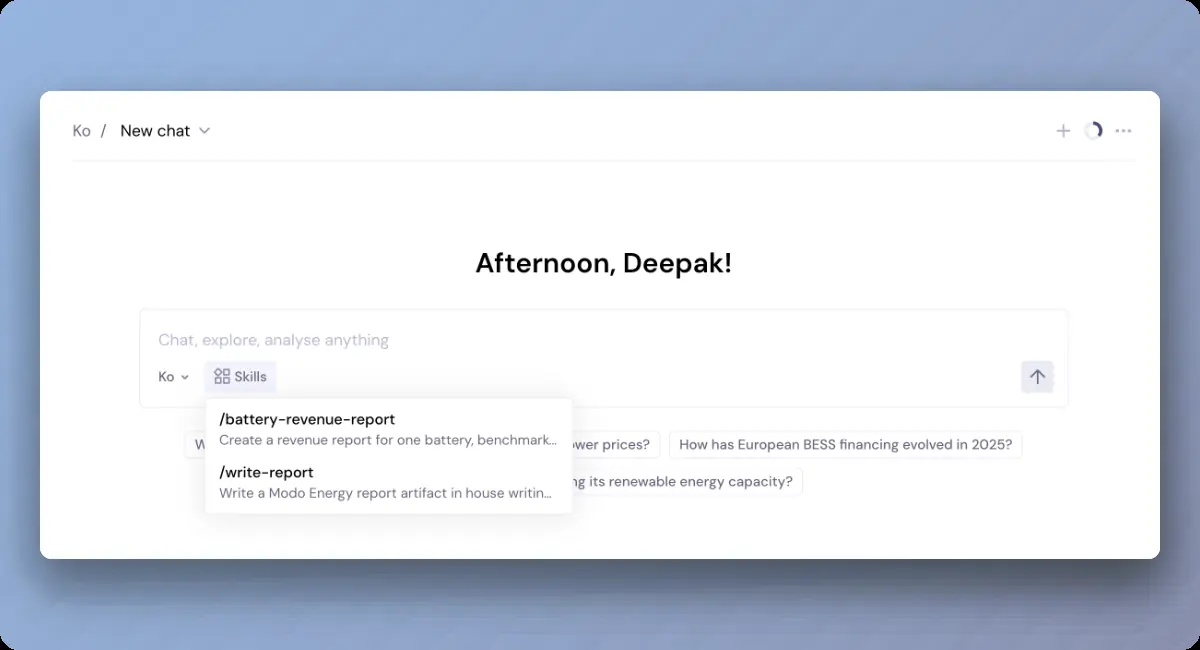
How to use Ko to analyze forecasts
Modo Energy forecasts are bankable, long-term revenue projections for energy assets, built on a global fundamental model that runs out to 2050.
For the step-by-step walkthrough on creating a forecast, see the help centre.
Ko has access to your forecast library and the methodology behind every run. It can search your runs, compare them, chart the output, and explain what's driving the numbers.
This guide covers how to use Ko to sense-check your forecast run configuration, then analyze and compare the results. You'll see how to:
- Check a run's configuration
- Query your forecast library and pull the runs, configs, and charts you need
- Compare runs to see where revenues diverge, and why
- Understand the macro assumptions driving the numbers
- Review Ko's sources so you can defend every figure
Check forecast run configurations
Ko can explain the input parameters you can choose, e.g. duration, revenue streams, contracts, world view, and what each one means, so you can configure a run with confidence. And once a run exists, Ko walks you through the exact inputs behind it and what's driving the result.
Try asking Ko:
Query your forecast library
Ko can search your forecast library, check run status, analyze the data, and visualize the results. Ask for the runs you want, the configurations behind each one, and the revenue chart.
Ko turns your forecast library into something you can query directly. Pull the runs you want, extract and manipulate the numbers behind them, and chart the result in one go.
Try asking Ko:
Drill into comparisons
Compare forecast runs with different configurations, and ask Ko where the revenues diverge, and why.
Try asking Ko:
Understand the why behind the numbers
Every forecast rests on Modo Energy's view of how the market develops: build-out, demand, policy, and the resulting price shape. Ko reads those inputs and the forecast methodology, so you can get underneath the headline revenue number and defend it.
Try asking Ko:
Review the sources
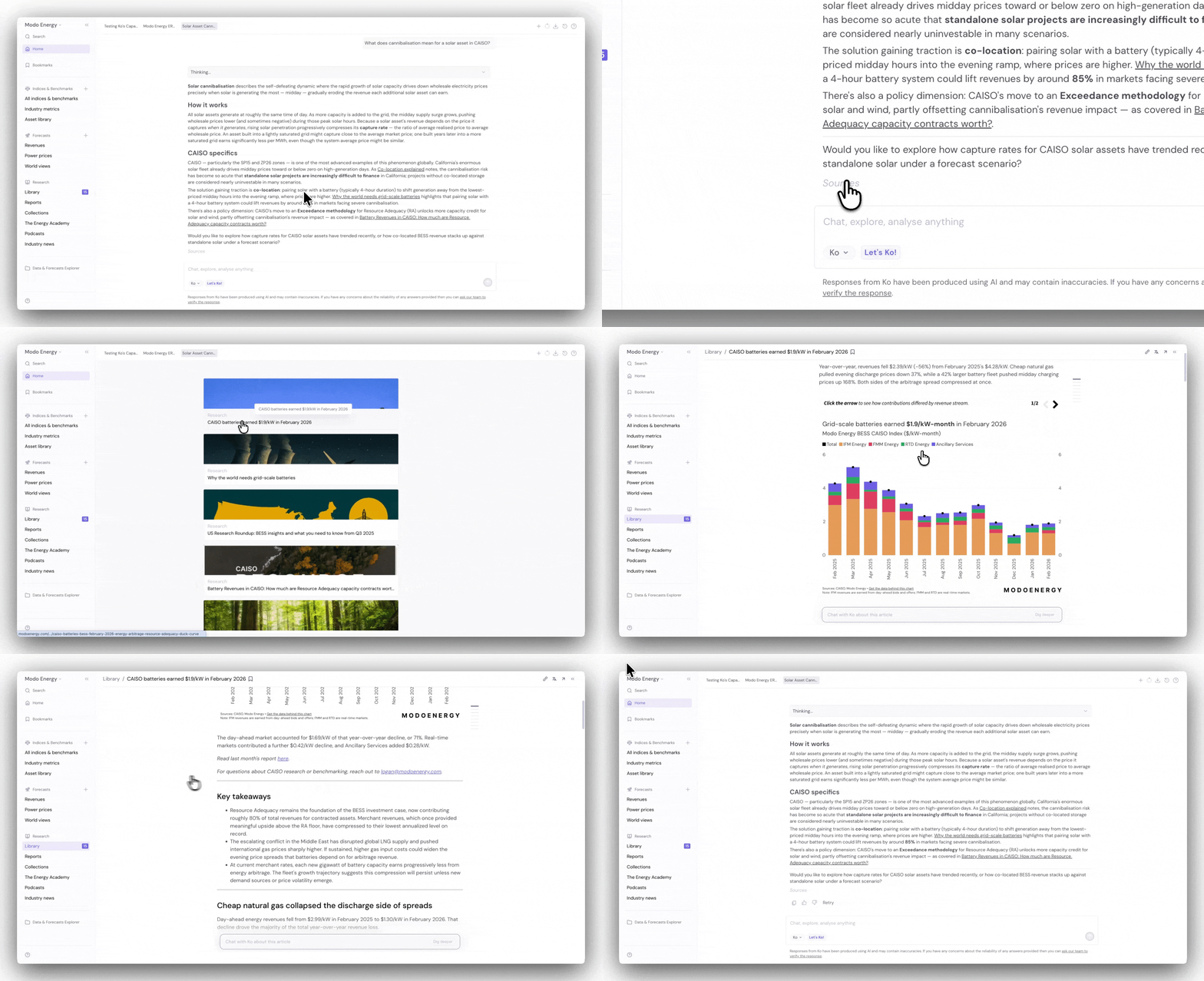
Ko cites its sources on every answer, so every number traces back to Modo Energy data and methodology. Scroll to the bottom of a chat and click Sources to see them. That means you can defend your numbers in an investment committee or a lender conversation.
Note: Ko can only analyze forecast runs in your own library. Make sure you have at least one forecast before you start. You need a Modo Energy account to run one — sign up here for free.
Ready to try it? Set up a run, then open Ko and start with one of the prompts above. The depth comes from the conversation, not a single question, so keep following up once Ko answers.
Related articles
- Get Started with Ko — set up and learn how to navigate Ko.
- Ko Prompts: Core Use Cases — the everyday ways to get value from Ko.
- Ko Prompts for Investment Decisions — prompts for investment-grade, high-impact work.